




Download NBI ASCII files
The following datasets represent bridge data submitted annually to FHWA by the States, Federal agencies, and Tribal governments in accordance with the National Bridge Inspection Standards and the Recording and Coding Guide for the Structure Inventory and Appraisal of the Nations Bridges. Each dataset is submitted in the spring, and may be corrected or updated throughout the year. The data for public highway bridges is considered final and is published on this website by June 15th of each calendar year.
Changes to STRUCTURALLY DEFICIENT (SD): Effective with the 2018 archived data, the definition of this term has changed.
Changes to FUNCTIONALLY OBSOLETE (FO): Effective with the 2016 archived data, FHWA is no longer tracking this measure, and will no longer be publishing it on our website.
- Recording and Coding Guide for the Structure Inventory and Appraisal of the Nations Bridges (.pdf, 1 mb)
- Errata Sheets for Coding Guide
- Record Format
- 2025 Data
- 2024 Data
- 2023 Data
- 2022 Data
- 2021 Data
- 2020 Data
- 2019 Data
- 2018 Data updated 4/22/19
- 2017 Data
- 2016 Data
- 2015 Data
- 2014 Data
- 2014 Amendments (.pdf, 0.1 mb)
- 2013 Data
- 2012 Data
- 2011 Data
- 2010 Data
- 2009 Data
- 2008 Data
- 2007 Data
- 2006 Data
- 2005 Data
- 2004 Data
- 2003 Data
- 2002 Data
- 2001 Data
- 2000 Data
- 1999 Data
- 1998 Data
- 1997 Data
- 1996 Data
- 1995 Data
- 1994 Data
- 1993 Data
- 1992 Data
Saving large data files:
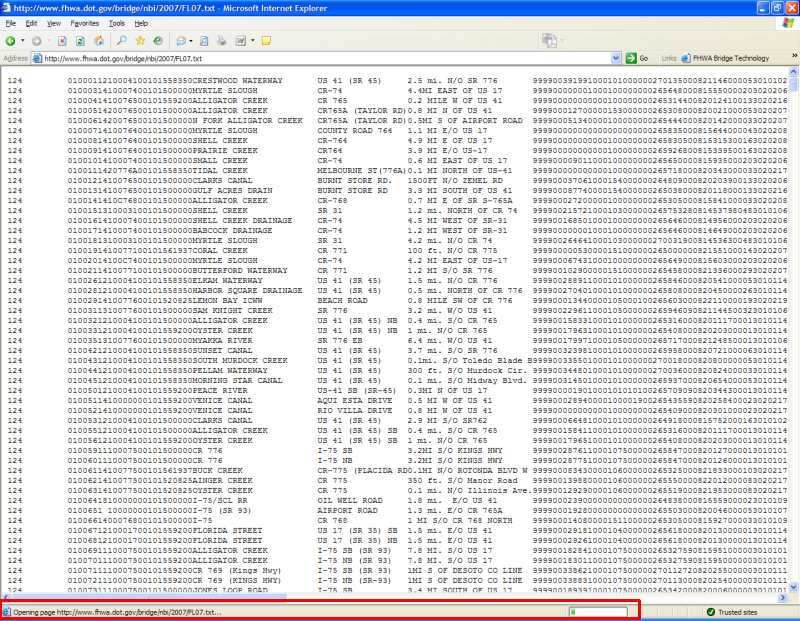
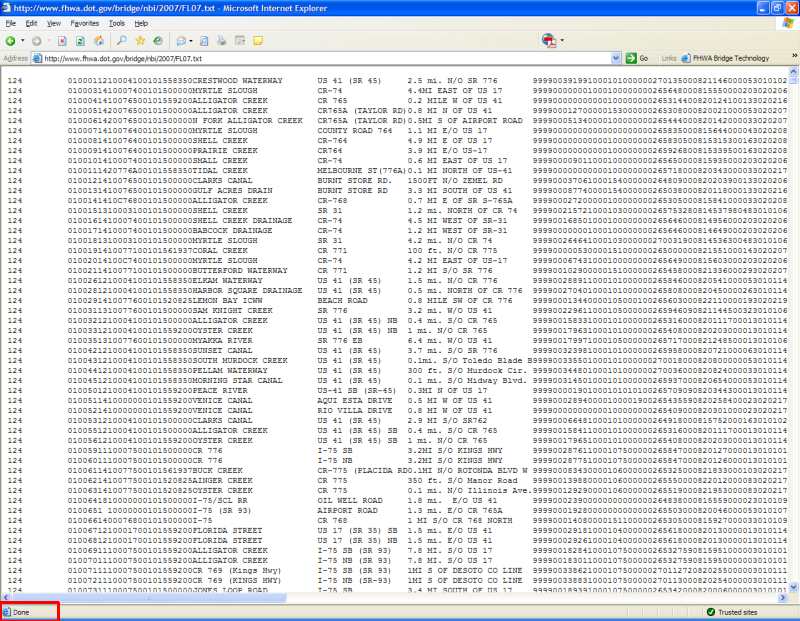
Some of the data files are large and may take some time to load. After you click on the link, please make sure the file is loaded before saving. Below are examples of a file loading and a file completely loaded.
Importing the data into MS Excel:
- Importing the data into MS Excel (.pdf, 0.1 mb)
Important notes on using the data:
- NBI data should not be used for route clearance purposes. In general, bridges are inspected every 24 months, so clearance data displayed may not be current.
- Most users will want to download only "highway bridge" data, as defined here: https://www.fhwa.dot.gov/bridge/britab.cfm
- See the Record Format for definitions of data fields, particularly those not defined in the NBI Coding Guide: https://www.fhwa.dot.gov/bridge/nbi/format.cfm
- All data in the inventory and operating fields is downloaded in metric tons even if rating factor is indicated. The factor has been converted to metric tons.